Xbox Wireless Controller with USB-C Cable Delivers Forty Hour Battery and Hybrid Controls Anywhere, Perfect for GTA 6
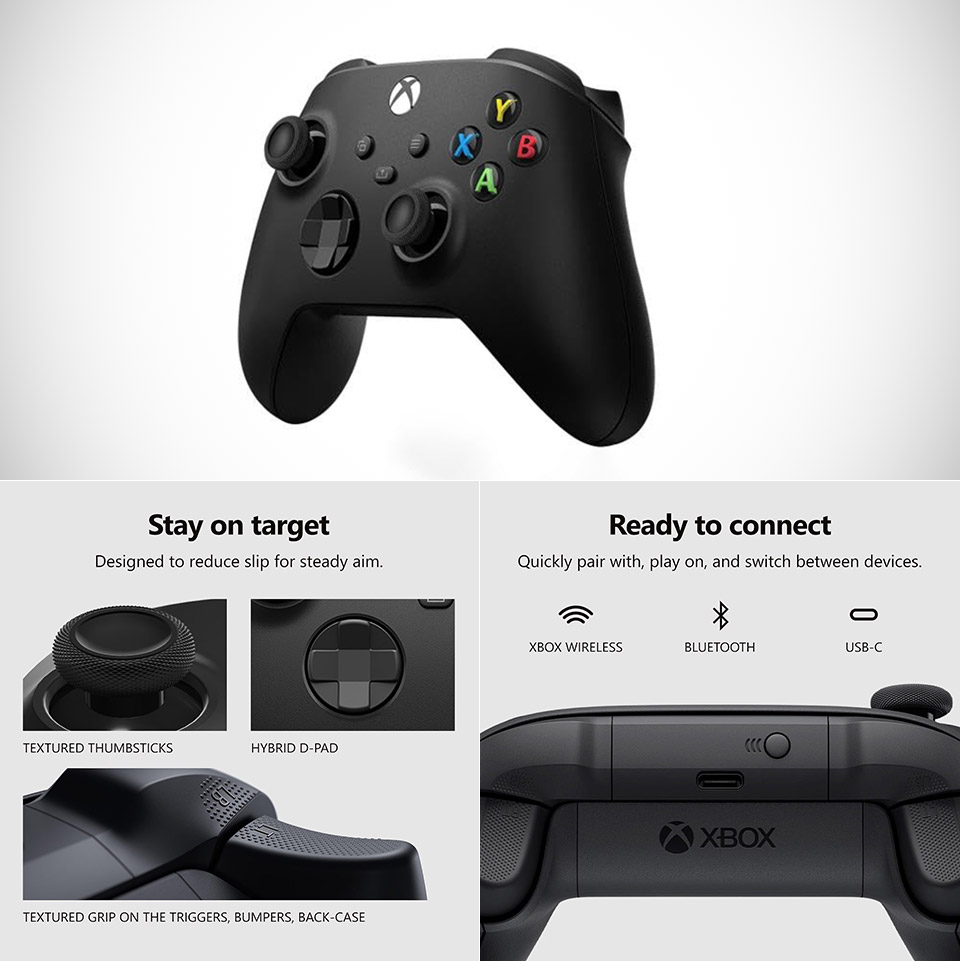
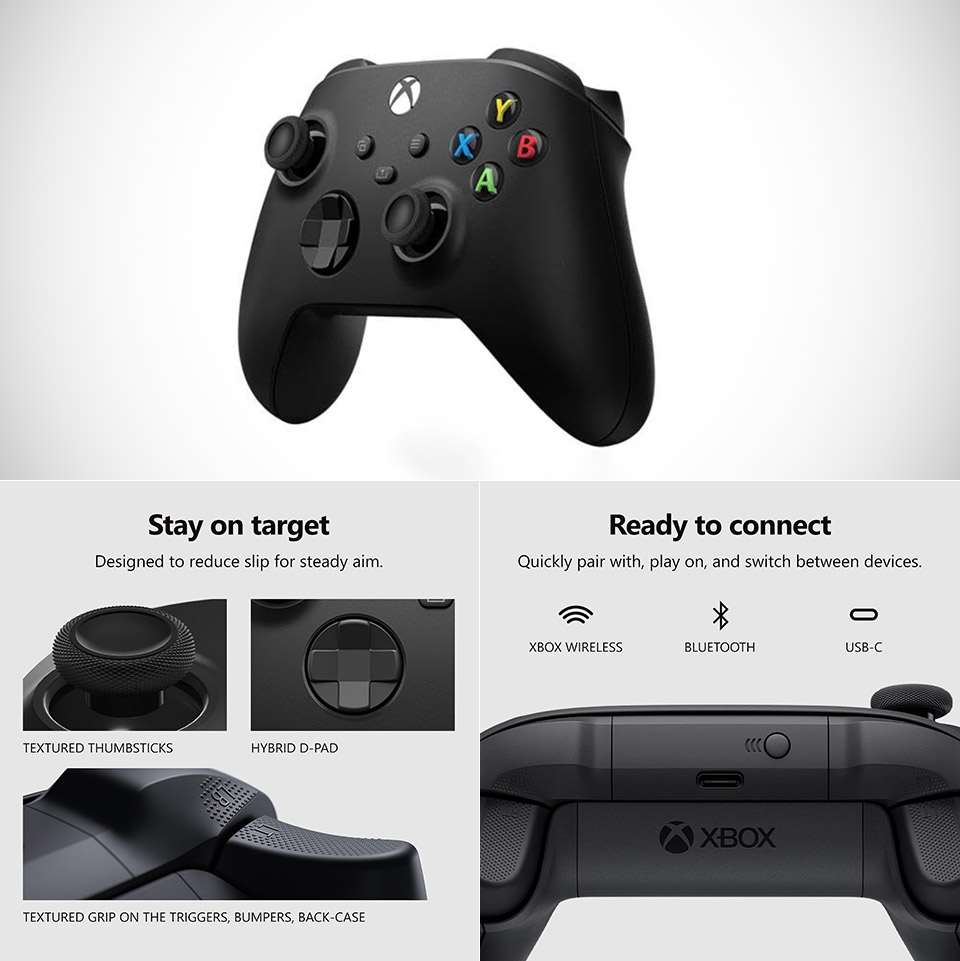
Finishing a long open-world run leaves room to refresh the controls that carried the whole campaign. This Carbon Black Xbox Wireless Controller, priced at $42.99 for early Black Friday (was $65), arrives with a nine-foot USB-C cable that plugs straight into a Windows PC or console and starts the session with no pairing steps or extra adapters required. Xbox Wireless handles the console link while Bluetooth pairs the pad with Windows machines, Android phones, iOS devices, Fire TV Sticks, smart TVs, and supported VR headsets, so one controller covers the full rotation of screens.
Sculpted surfaces and refined geometry are used to reshape the grips, making them more comfortable even after hours of play. Textured areas on the triggers, bumpers, and rear case assist keep the pad firmly in place while you sweat, minimizing the bothersome tiny slips that occur after a while and disrupt your focus in the heat of battle or a high-speed racing session. A hybrid D-pad combines the reassuring directional clicks of a classic crosspad with smoother diagonal movement, resulting in cleaner menu navigation and more precise platforming or fighting inputs without requiring a radical rethink of the layout we all know and love.
Sale

XBOX Wireless Gaming Controller + USB-C Cable | Carbon Black | Textured triggers and bumpers, Hybrid…
- XBOX WIRELESS CONTROLLER + USB-C CABLE — Includes the XBOX Wireless Controller in Carbon Black and a 9′ USB-C cable. Play wirelessly or plug in for…
- WIRED OR WIRELESS, YOUR CALL — Connect the included 9′ USB-C cable for zero-setup wired play on console and PC. Go wireless when you want the…
- PC READY. NO EXTRAS NEEDED — Plug the USB-C cable into your Windows PC and you’re playing instantly. No adapters, no Bluetooth pairing, no…
Two AA batteries will power the controller for a full forty hours of wireless play. If those cells run out, you may replace them while the session continues using the provided cable, or you can simply leave it plugged in the entire time for a hassle-free battery experience. There’s also a 3.5mm audio jack up front, allowing you to connect any suitable wired headset to keep gaming audio and voice chat loud and clear. Don’t forget about the sharing button on the face, which allows you to snap a screenshot or save a recent clip with a single press.
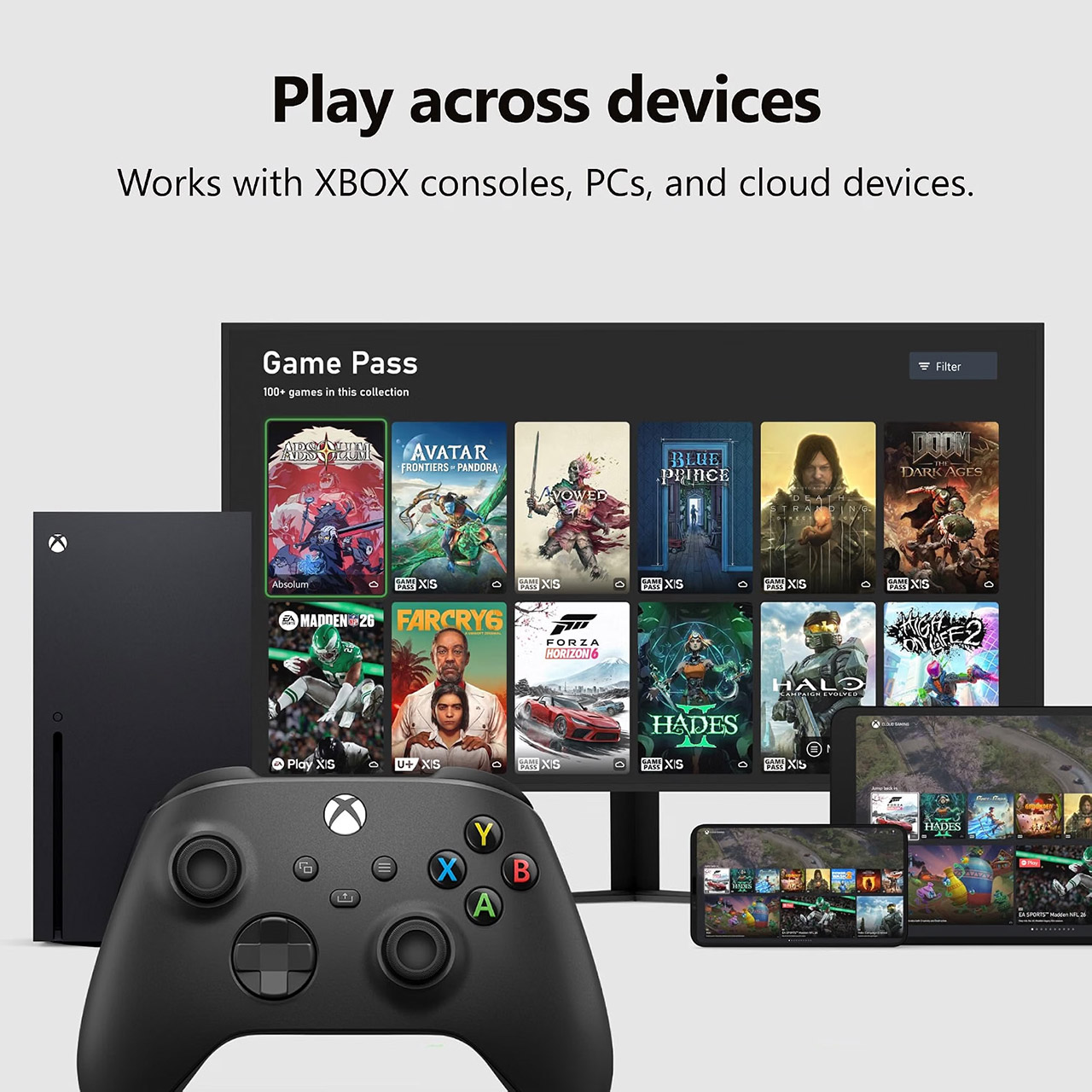
Customizing your button layout is done using the Xbox Accessories app, where you may assign specific functions to individual buttons to get the most out of your games and store the arrangement for later usage. The proportions are a fairly conventional 6.9 x 5.6 x 2.8 inches, with a weight of roughly fifteen ounces when batteries are installed, which is a familiar enough shape to let the controller seem perfectly at home on whatever surface you’re using it on, whether it’s a desk or a couch.


Xbox Wireless Controller with USB-C Cable Delivers Forty Hour Battery and Hybrid Controls Anywhere, Perfect for GTA 6
#Xbox #Wireless #Controller #USBC #Cable #Delivers #Forty #Hour #Battery #Hybrid #Controls #Perfect #GTA