Windows NT on the GameCube is Basically a Homebrew Project That Brings the Classic OS to Nintendo Hardware
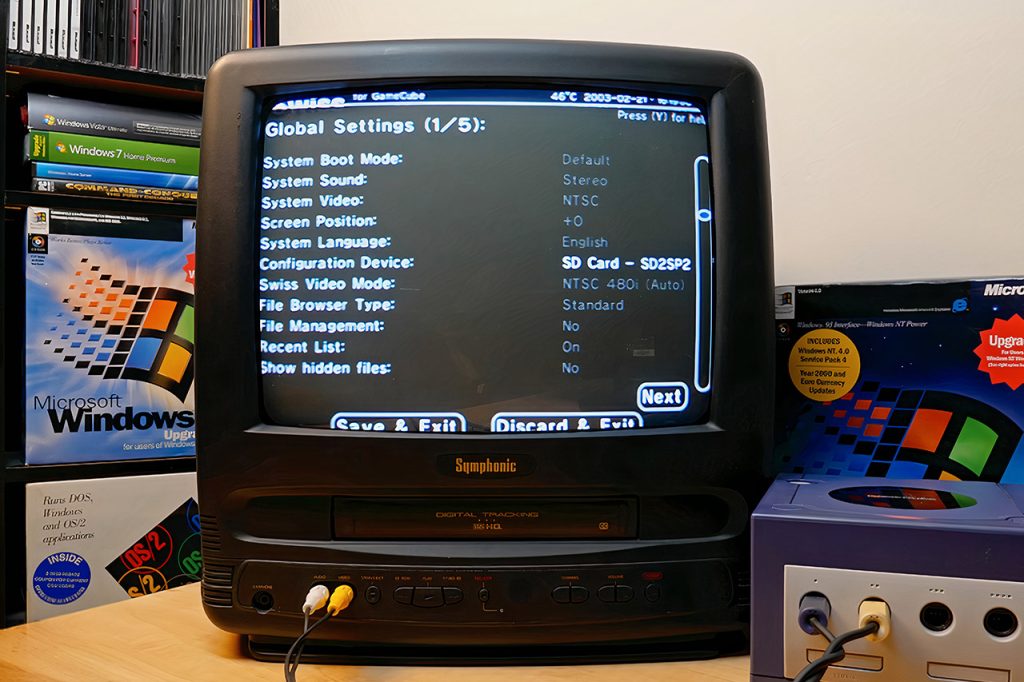
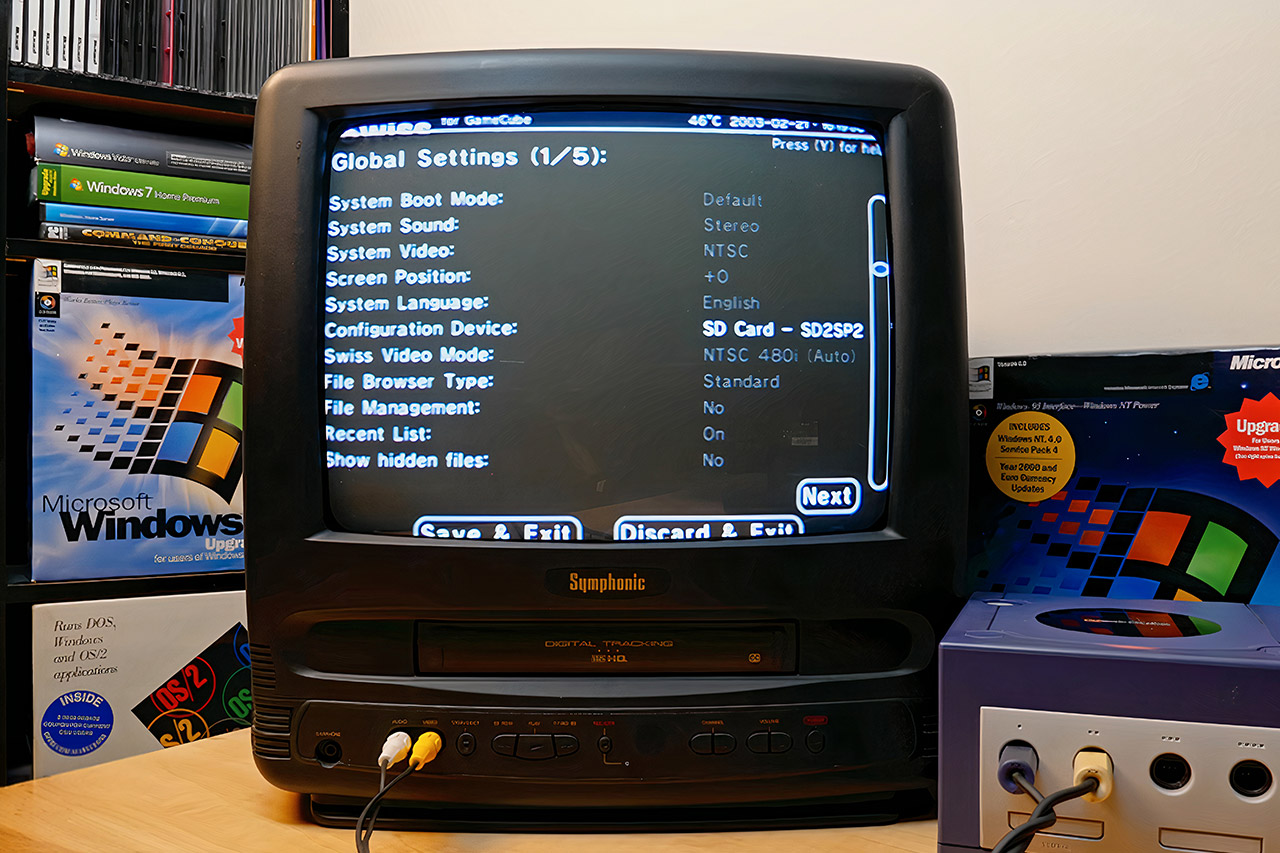
GameCube hardware already delivers strong value for fans of its original game library. Loaders such as Swiss open the door to region-free play, disc backups from SD cards or USB drives, and emulators that reach back to earlier Nintendo systems and beyond. Homebrew keeps the console active long after its commercial peak. A separate project now layers something unexpected onto that foundation by bringing a full PowerPC build of Windows NT to the same machine.
The architecture similarities between the console and early PowerPC-based PCs make this port much easier than you think. The GameCube is powered by a Gekko CPU, which was mostly derived from the PowerPC 750 series and obtained official support in the first versions of Windows NT. That shared basis is a huge advantage for developers since it allows them to avoid full emulation and instead write specialized drivers and a hardware abstraction layer that interfaces directly with the Flipper chipset.
Nintendo Switch 2: Choose Your Game Bundle
- Kick off the fun with a Nintendo Switch 2 system, your choice of a select digital game, and a savings* of up to $29.99!
- Includes choice of either the Mario Kart World, Donkey Kong Bananza, or Pokémon Pokopia digital game download
- One system, three play modes: TV, Tabletop, and Handheld
Wack0 runs the entii-for-workcubes project, which is a GitHub repository containing all of the components required to run Windows NT 3.51 or 4.0 on a GameCube, Wii, or even some vWii systems. They’ve created a unique ARC firmware bootloader (which loads homebrew software), a custom HAL (hardware abstraction layer), and a few drivers for video, input, and storage via the external interface bus.
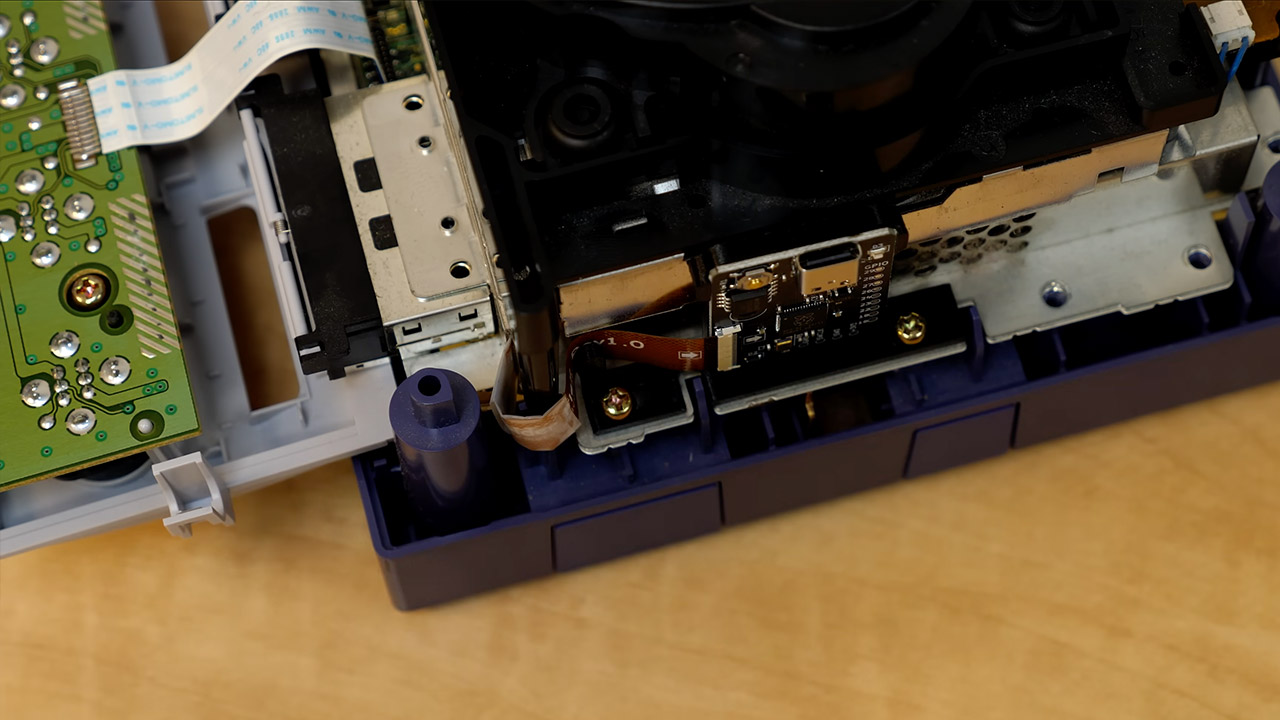
The ARC firmware is the important first stage, running from a homebrew application, displaying a simple menu on screen, and allowing the user to carve up a disk image stored on an SD card or an EXI-IDE device. The Windows NT installation is then run immediately from an ISO file that is saved in the same location as the original disk image. During setup, the user can choose a custom GameCube or Wii hardware profile and install the necessary drivers for video, controller ports, and mass storage.
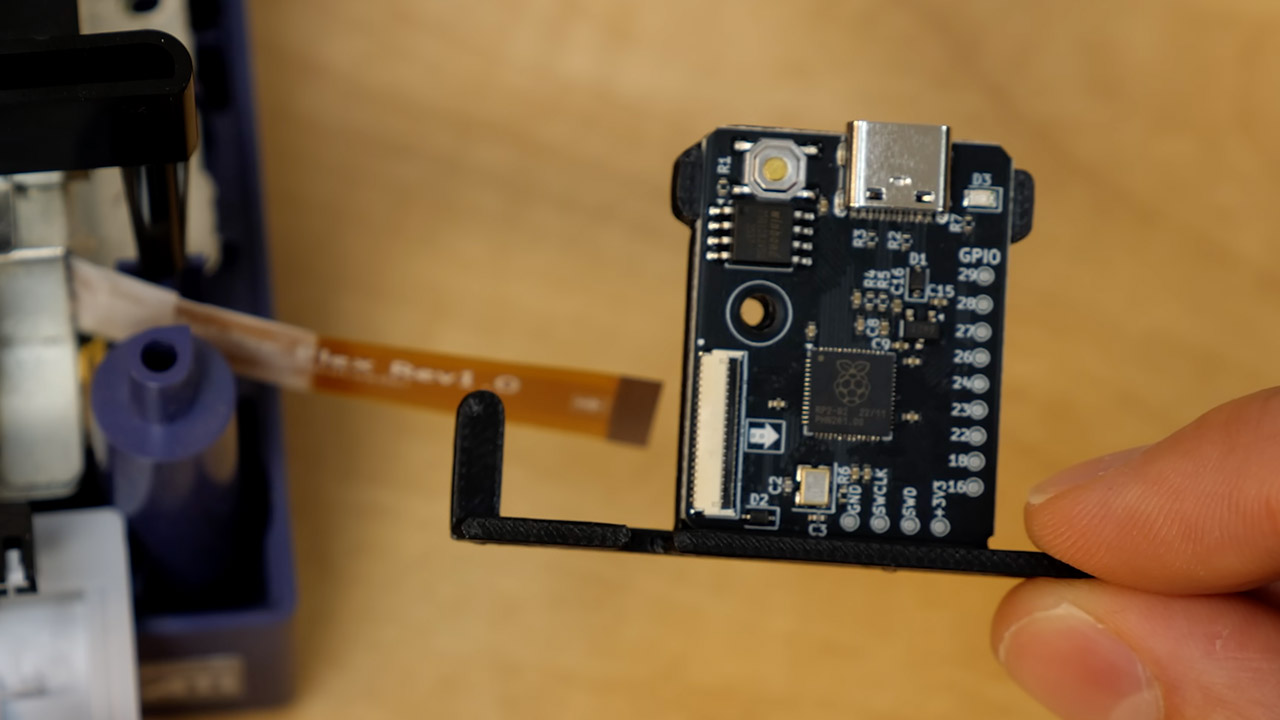
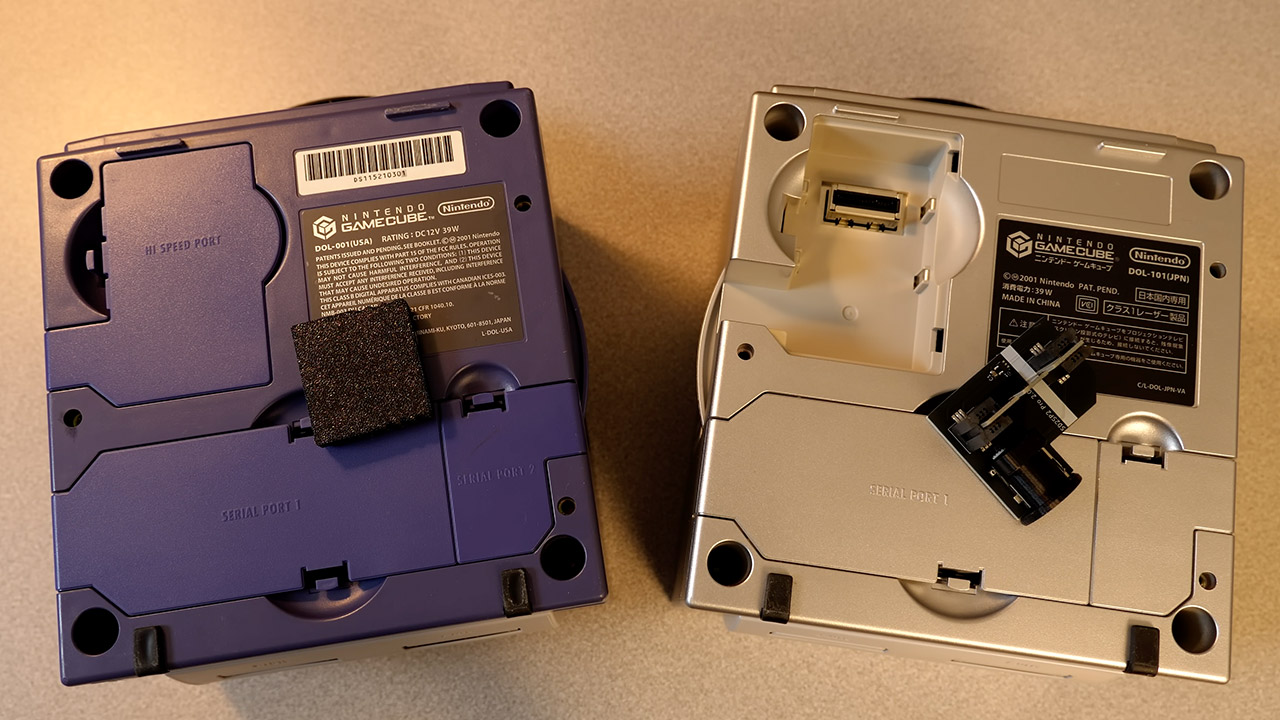
To get started, the user must prep an SD card with the release files, a Windows NT 3.51 or 4.0 ISO, and a blank raw disk image of the appropriate size. For a GameCube, this means purchasing a serial-port converter or an SD Gecko for more reliable access. They’ll also need a homebrew loader, such as Swiss, to get started. Once that’s done, the ARC menu will guide you through partitioning and installing NT, even letting you choose your keyboard layout and pointing device. The entire scenario takes place on real hardware, with no emulation layers between the operating system and console components.
Once the OS is installed, you can expect some basic work tools to be available. Notepad, Solitaire, ancient backgrounds, and even an early version of Internet Explorer should all operate smoothly. Input is supported via mapped GameCube controllers or an ASCII keyboard controller plugged into a port, which is useful for typing.
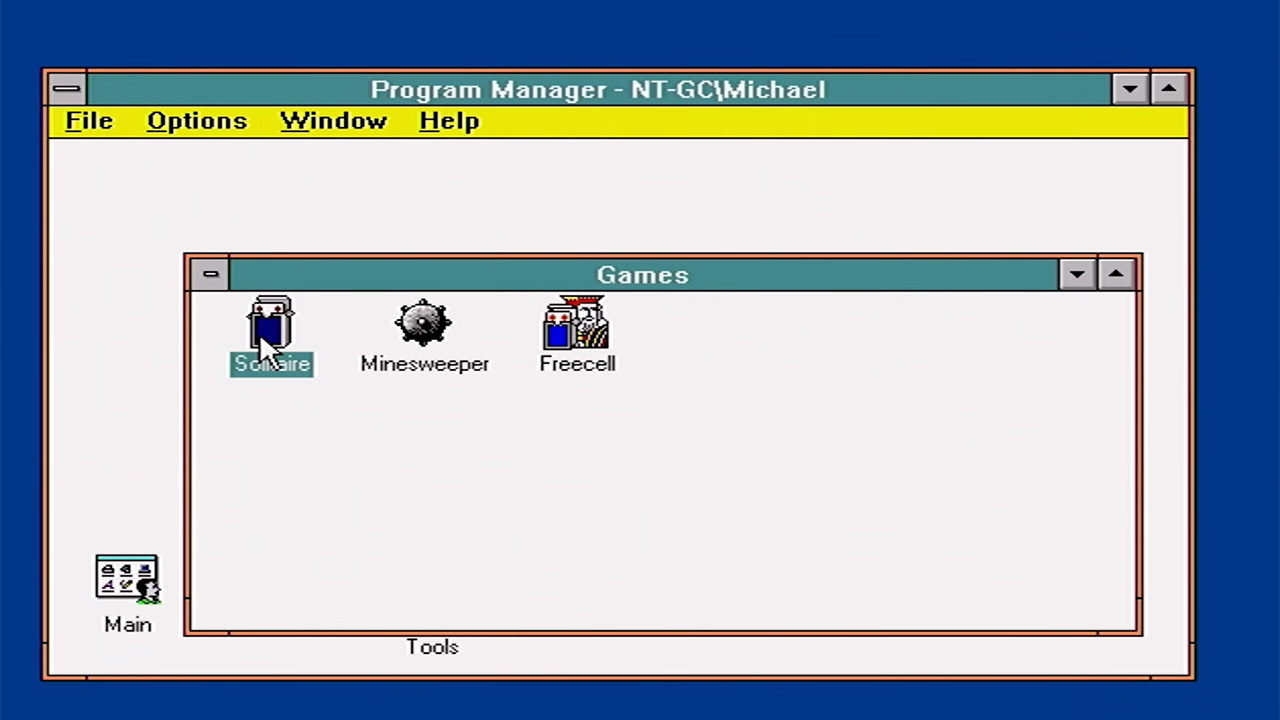
The original hardware limits keep everything in check. The GameCube only has 24MB of accessible RAM, which limits the number of programs you can run at once and forces you to carefully select your drivers. You’re also out of luck if you want fast storage, because accessing it through the GameCube’s external interface is significantly slower than using an internal drive, so expect to spend some time waiting for installation to finish, especially when compared to what you could do on a PC at the time. The graphics driver merely copies and pastes bitmaps rather than utilizing advanced optimized pathways, which is inefficient for a smooth desktop experience. To make matters worse, neither the GameCube nor the Wii versions include working sound. Your GameCube may occasionally stall during a reboot, requiring you to manually turn it off and back on.
Windows NT on the GameCube is Basically a Homebrew Project That Brings the Classic OS to Nintendo Hardware
#Windows #GameCube #Basically #Homebrew #Project #Brings #Classic #Nintendo #Hardware